
Online privacy is no longer optional in 2026.
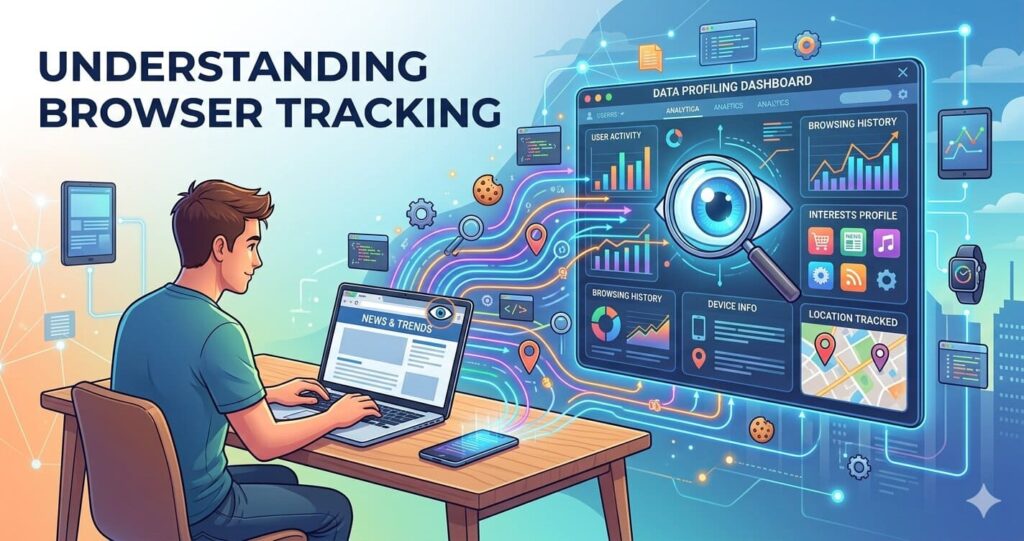
Every day, websites, advertisers, and even apps collect user data to track behavior, build profiles, and serve targeted ads. Most internet users in the USA are now more concerned about digital privacy than ever before.
If you use Google Chrome, your browser activity can reveal a lot—your searches, shopping habits, location, and even interests.
The good news?
You can protect yourself with privacy browser extensions.
These lightweight tools help block ads, stop trackers, secure passwords, and protect your personal data without slowing down your browsing experience.
In this guide, we’ll explore the best privacy browser extensions for Chrome in 2026, how they work, and which ones are worth installing.
🤔 Why Browser Privacy Matters More in 2026
Privacy risks have evolved.
Here’s what happens when you browse without protection:
📍 Trackers Follow You Everywhere
Websites use cookies and hidden scripts to monitor your behavior.
📢 Ads Become More Aggressive
Ad networks build personal profiles to target you.
🛑 Data Brokers Sell Your Information
Many companies collect and sell your data.
🔐 Password Theft Is Increasing
Weak password management can lead to hacked accounts.
That’s why privacy extensions have become essential.
If you’re also interested in browser AI trends, check our guide on AI browsers at
Read Also:- What Is AI Browser and How Does It Work?
🧩 How Privacy Browser Extensions Work
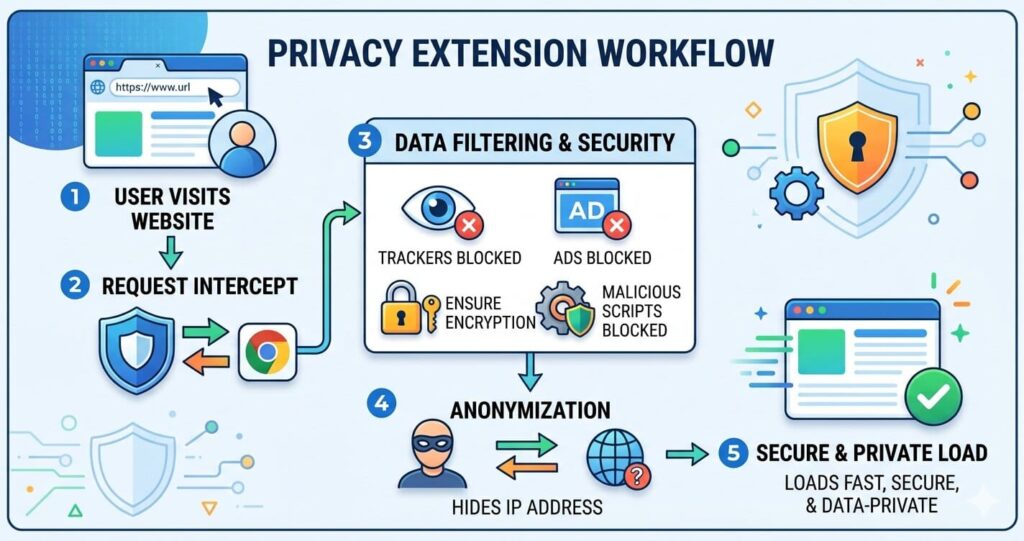
Privacy extensions sit inside your browser and filter harmful requests before they load.
They can:
- Block ads
- Stop trackers
- Hide your fingerprint
- Encrypt connections
- Manage passwords
- Detect unsafe websites
Think of them as a personal security shield.
🏆 10 Best Privacy Browser Extensions for Chrome in 2026
1. 🛡 uBlock Origin
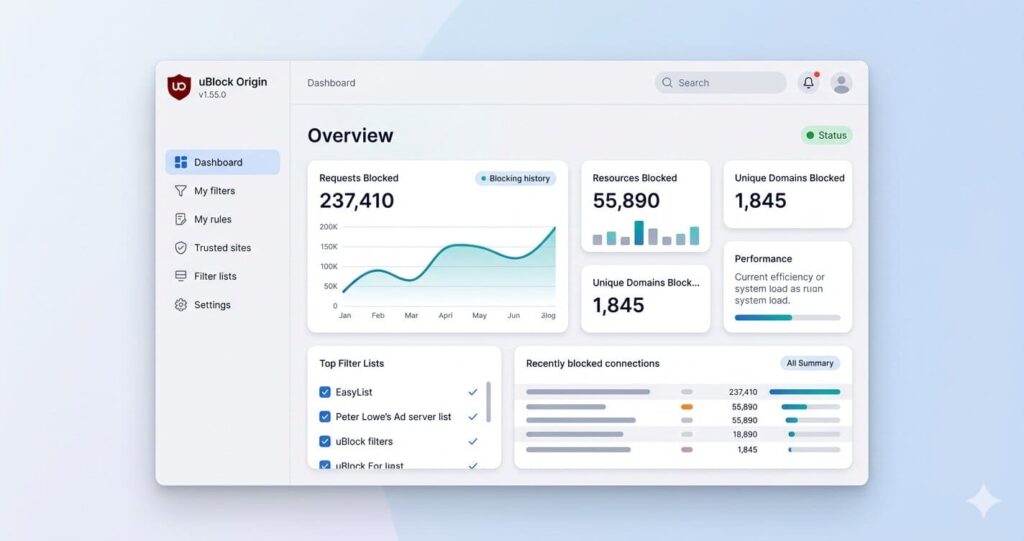
uBlock Origin remains one of the best privacy tools.
Key Features:
- Blocks ads
- Blocks trackers
- Lightweight
- Custom filters
Best For:
Users who want speed + privacy.
Why It’s Great:
Unlike many ad blockers, uBlock Origin uses fewer resources.
Official website:- https://ublockorigin.com
2. 👀 Privacy Badger
Developed by EFF.
Privacy Badger automatically learns and blocks trackers.
Key Features:
- Learns tracker behavior
- Stops invisible tracking
- Easy to use
Best for beginners.
Official website:- https://privacybadger.org
3. 🔑 Bitwarden
Bitwarden is not just a password manager.
It improves privacy by securing login credentials.
Features:
- Password vault
- Auto-fill
- Strong password generator
If you’re improving digital security, you may also like our WiFi security guide:
Read Also:- How to secure home WiFi from hackers 2026
Official website:- https://bitwarden.com
4. 🚫 Ghostery
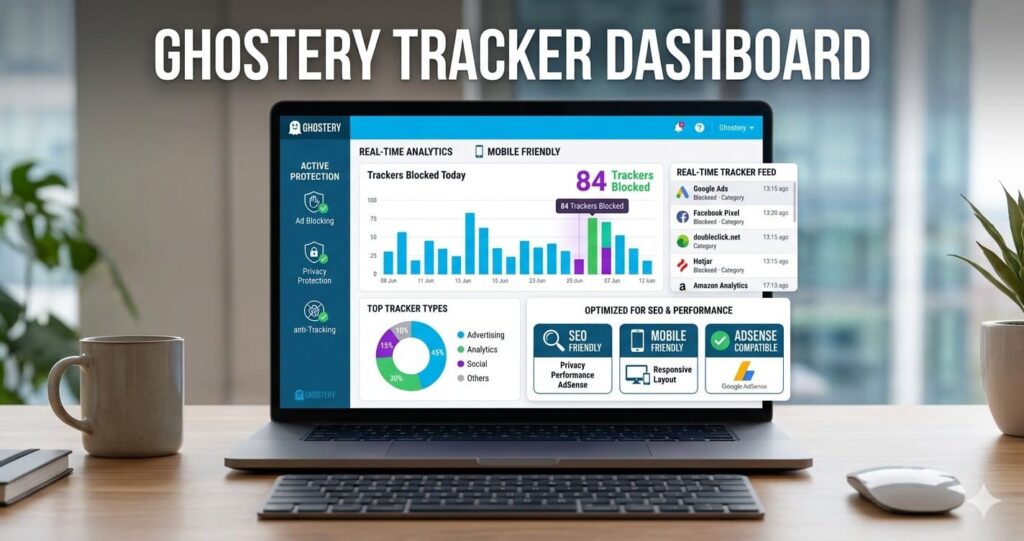
Ghostery blocks trackers and shows who is tracking you.
Features:
- Tracker dashboard
- Fast blocking
- Privacy insights
Best for transparency.
Official site:- https://www.ghostery.com
5. 🌍 DuckDuckGo Privacy Essentials
Great all-in-one privacy extension.
Includes:
- Tracker blocking
- Encryption upgrades
- Privacy grades
Official site:- https://duckduckgo.com
6. 🕵 Decentraleyes
Protects against CDN-based tracking.
This is more advanced.
Best For:
Tech-savvy users.
Official site:- https://decentraleyes.org
7. 🍪 Cookie AutoDelete
Deletes cookies automatically after closing tabs.
Why Use It:
Reduces long-term tracking.
Official site:- https://cookieautodelete.com
8. 🔒 HTTPS Everywhere Alternatives
HTTPS Everywhere was retired, but browsers now include similar features.
Still, HTTPS-focused extensions exist.
Good for encryption.
9. 🧠 ClearURLs
Removes tracking parts from URLs.
Example:
Instead of:
site.com/?utm_source=xyz
It becomes:
site.com
This protects privacy.
Official site: https://clearurls.xyz
10. 🧱 NoScript
Blocks scripts completely.
Very powerful.
Best For:
Advanced users.
Official site:- https://noscript.net
📊 Comparison Table: Which Extension Is Best?
| Extension | Best For | Difficulty |
| uBlock Origin | Ad blocking | Easy |
| Privacy Badger | Tracking protection | Easy |
| Bitwarden | Password security | Easy |
| Ghostery | Transparency | Medium |
| DuckDuckGo | All-in-one privacy | Easy |
| Decentraleyes | Advanced privacy | Hard |
| Cookie AutoDelete | Cookie cleanup | Easy |
| ClearURLs | Clean links | Easy |
| NoScript | Maximum control | Hard |
⚡ Best Combination for Maximum Privacy

Recommended setup:
Beginner Setup
- uBlock Origin
- Privacy Badger
- Bitwarden
Advanced Setup
- uBlock Origin
- Ghostery
- Decentraleyes
- ClearURLs
- NoScript
Avoid installing too many overlapping tools.
❌ Mistakes to Avoid
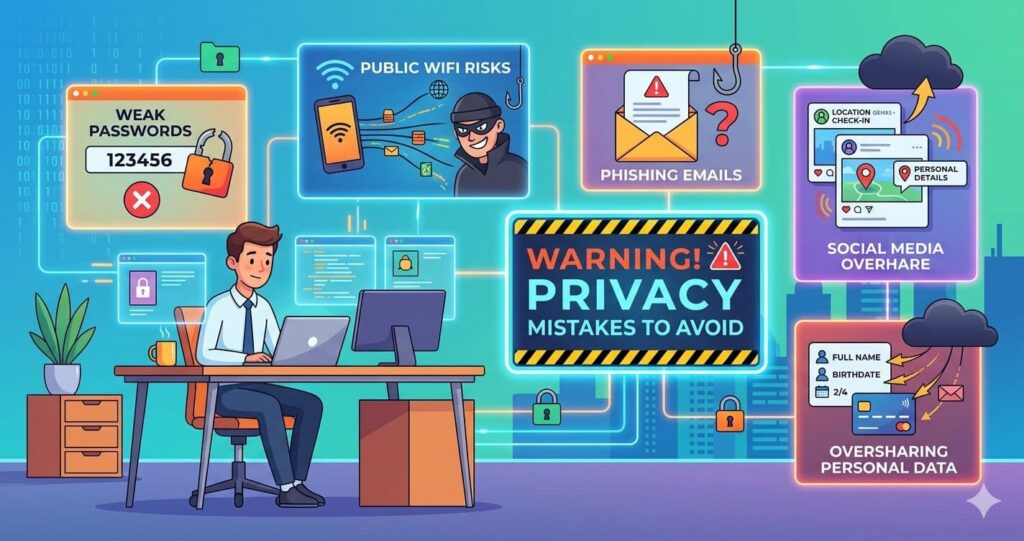
Installing Too Many Extensions
Can slow down Chrome.
Using Unknown Extensions
May steal data.
Ignoring Permissions
Always check extension permissions.
Never Updating Extensions
Security updates matter.
🇺🇸 Are These Extensions Safe for US Users?
Yes, most are widely trusted.
For US users:
- Use official Chrome Web Store
- Read reviews
- Check developer reputation
Avoid cloned versions.
🚀 Final Verdict
If you want the best privacy browser extensions for Chrome in 2026, start with:
🥇 uBlock Origin
🥈 Privacy Badger
🥉 Bitwarden
These three provide strong protection without complexity.
Privacy online is becoming harder every year.
But with the right browser extensions, you can take back control.
Start small. Stay secure. Browse smarter.
❓ Frequently Asked Questions
Which is the best privacy extension for Chrome?
uBlock Origin is the top choice for most users.
Do privacy extensions slow Chrome down?
Good extensions usually improve speed by blocking ads.
Can Chrome extensions stop all tracking?
No, but they can significantly reduce it.
Should I use a VPN too?
Yes. Extensions + VPN is stronger.
Are free privacy extensions enough?
For most users, yes.